Read clearly
Open a Markdown file as a properly formatted document with readable typography.
 MD File Editor
Markdown reader and editor for web and desktop
MD File Editor turns .md files into readable, formatted documents and gives you practical editing tools when you need to make changes. Use it directly in your browser or install it on macOS, Windows, and Linux.
No account required. Your Markdown files stay on your device.
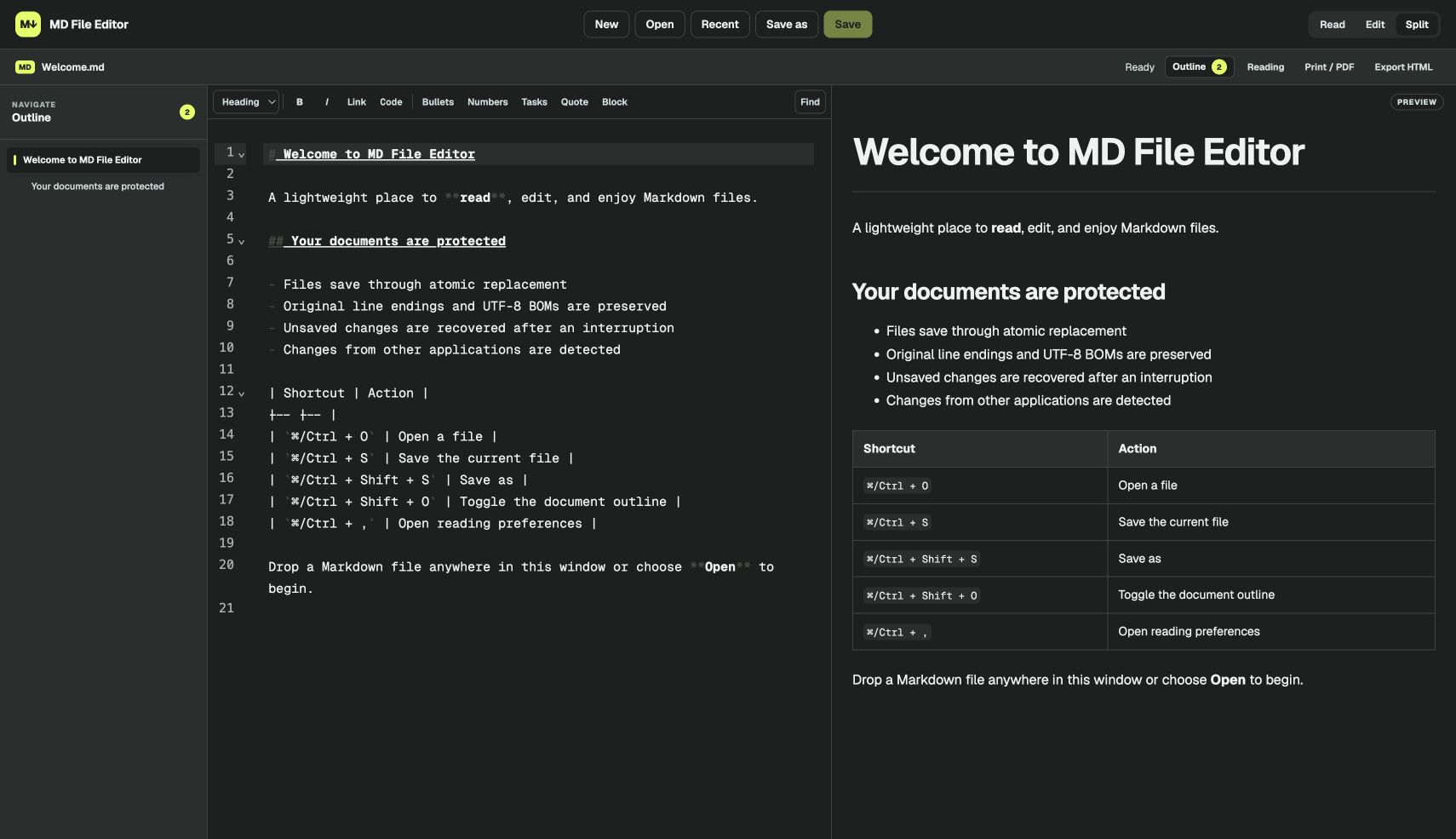
Read, Edit, and Split views
Local files stay local
Use it on the web, macOS, Windows, and Linux
Print, PDF, and HTML export
A better default for .md files
Markdown is used for notes, documentation, project plans, research, AI-generated content, and technical guides. MD File Editor makes those files comfortable to use, even if you have never learned Markdown syntax.
Open a Markdown file as a properly formatted document with readable typography.
Use familiar formatting controls, search tools, and a live preview as you work.
Work directly with the files on your computer without an account or cloud upload.
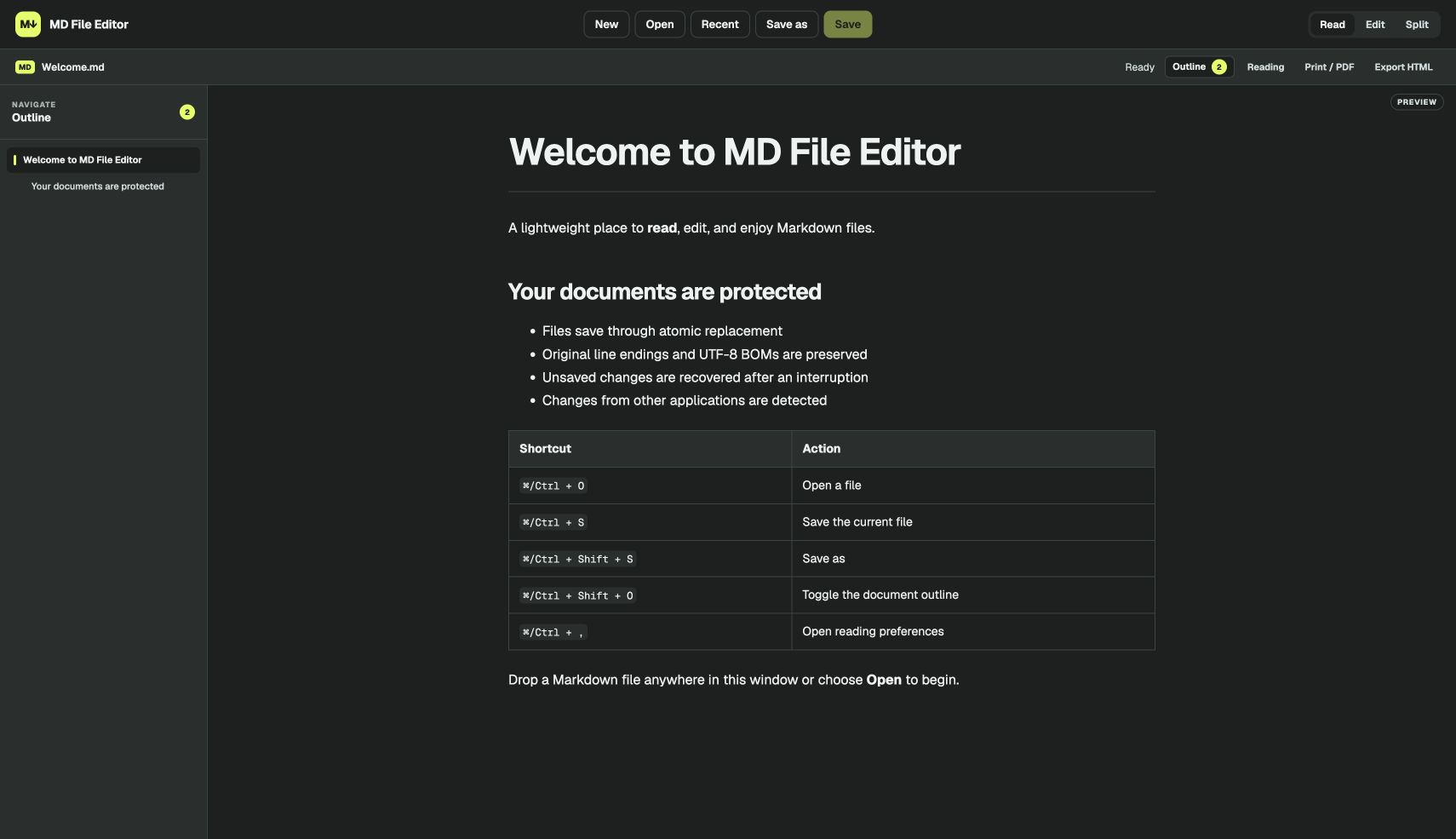
Focused reading
Read view removes the source editor while keeping the document outline close by. It is ideal for reviewing documentation, long notes, README files, and AI-generated Markdown without visual clutter.
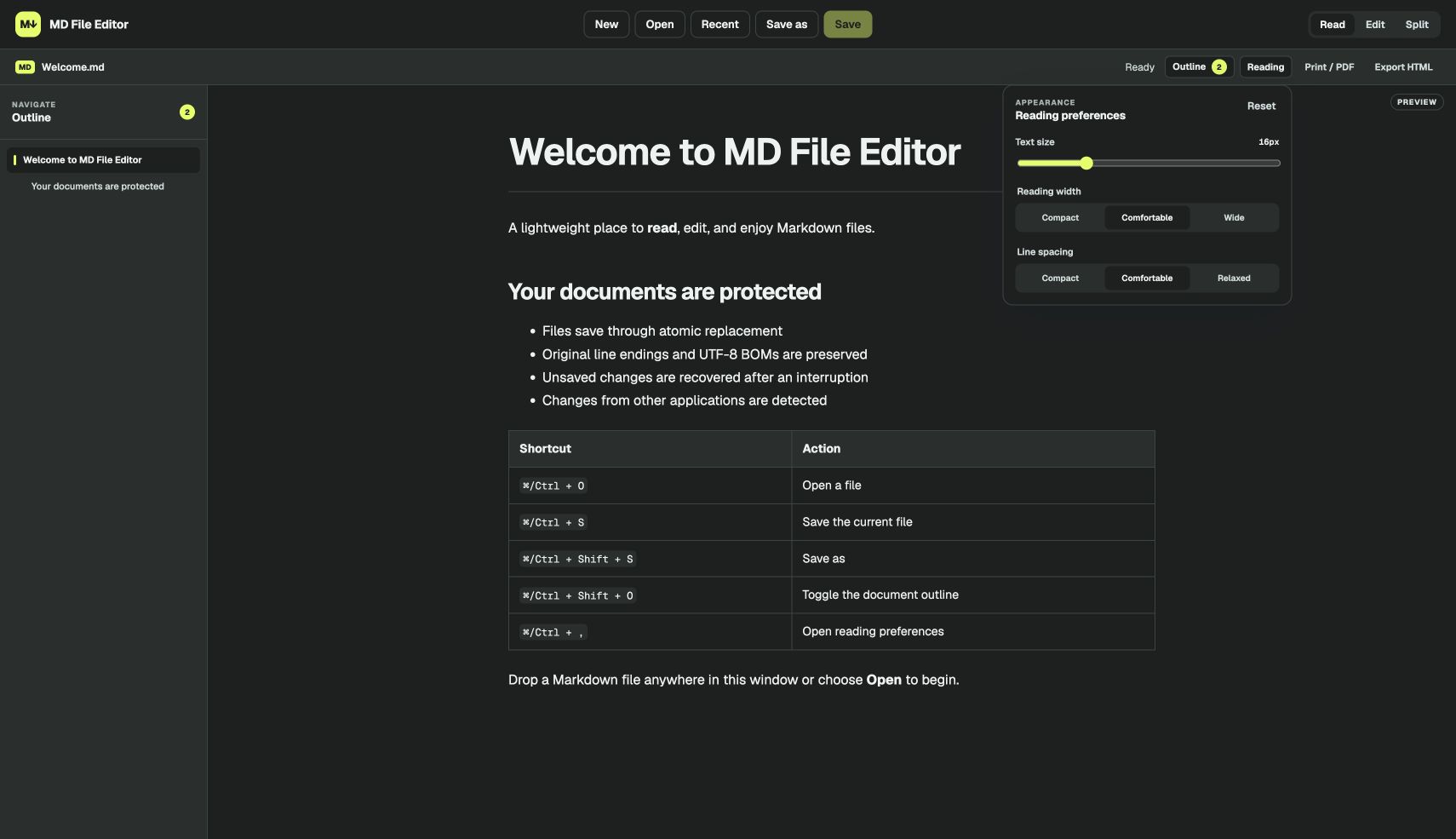
Reading preferences
Increase or reduce the text size, choose a compact or wide reading column, and adjust line spacing. Your preferences persist, so every Markdown document opens in a layout that feels comfortable.
Detailed application features
The application combines a dedicated Markdown reader, a capable text editor, and safer local file handling in one lightweight desktop workspace.
Open files your way
Open a file from the app, double-click a supported Markdown file, drag it into the window, or return to it from Recent Files. MD File Editor works with .md, .markdown, .mdown, and .mkd files.
Formatted reading
Headings, links, images, tables, task lists, blockquotes, and fenced code blocks render as a clean document. Code highlighting and local image support keep technical documents useful without making them hard to read.
Practical editing
Use the formatting toolbar for headings, bold text, links, lists, tasks, quotes, and code. Find and replace is built in, while Split view shows exactly how the finished document will look as you type.
Long documents
The live outline follows the heading structure of your file. Select any section to move directly to it, with the current section highlighted as you read.
Safer saving
Atomic saves reduce the risk of partial writes. The app preserves line endings and UTF-8 markers, warns about unsaved changes, detects edits made by other applications, and can restore recovery snapshots after an interruption.
Print and export
Print the formatted document or save it as a PDF through your operating system. You can also export a standalone styled HTML file that preserves the document's layout, tables, images, and code formatting.
How it works
Choose a Markdown file, drag it into the app, or open it from your recent files.
Read the formatted document, edit the source, or work with both side by side.
Save the Markdown file, print it, create a PDF, or export styled HTML.
Private by default
MD File Editor opens and saves files directly on your device. There is no account to create, no document library on our servers, and no cloud conversion step between you and your work.
Desktop downloads
MD File Editor is free to download. Choose the installer for your operating system, then open your Markdown files locally—no account required.
Version 0.2.0 macOS, Windows, and Linux